Set the scene.
Go soft, bold, or completely transparent. Pick a gradient, your own photo, or a background from Unsplash.
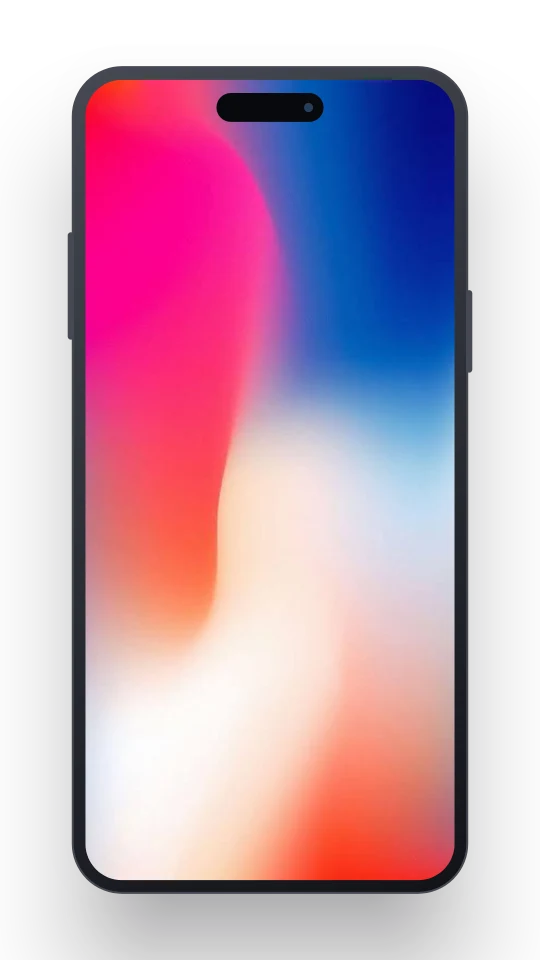
Try a background
 Shotivo
Shotivo
Turn screenshots and screen recordings into beautiful mockups. Frame, style, and share them with Shotivo.
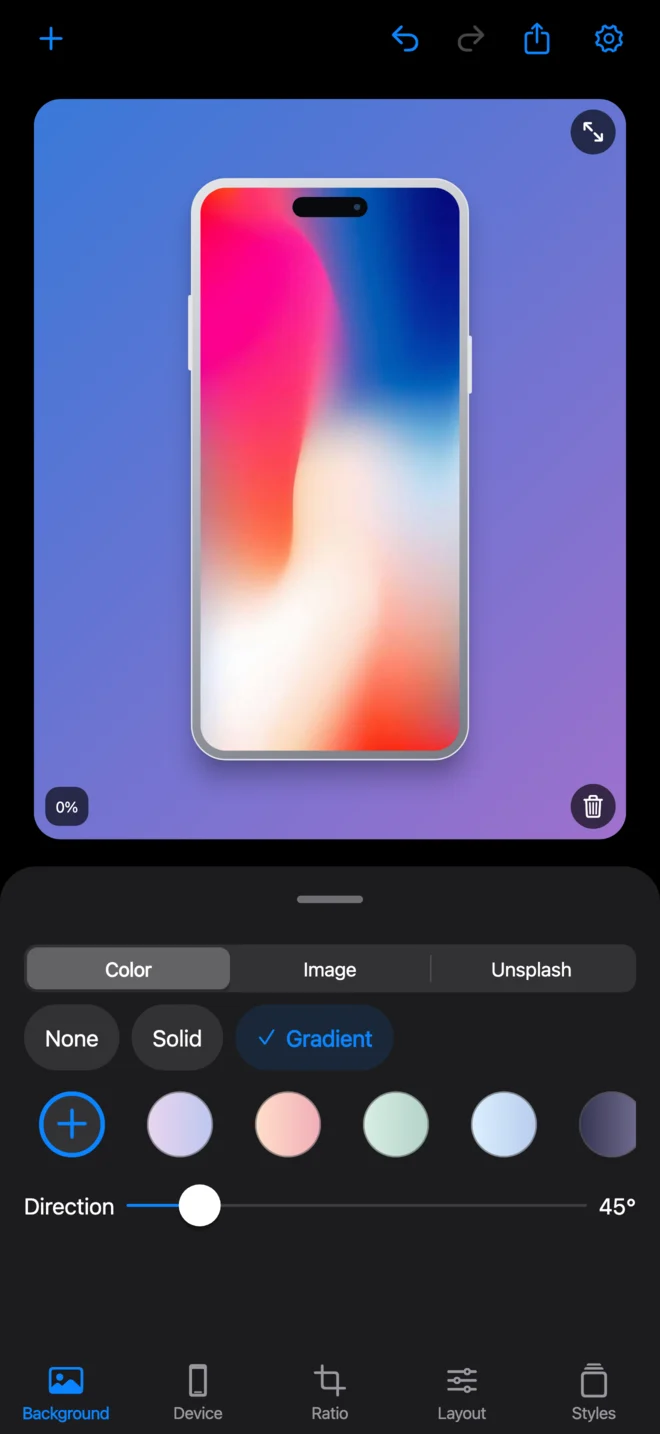
All the finishing touches, in one pocket-sized studio.
Go soft, bold, or completely transparent. Pick a gradient, your own photo, or a background from Unsplash.
Try a background
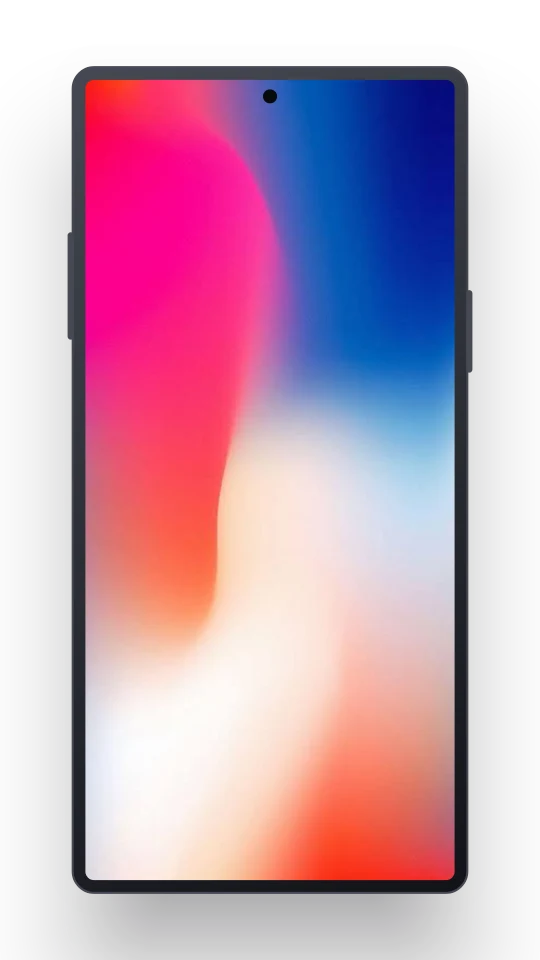
iPhone, Galaxy, Pixel, iPad, and more. Choose a stylized device frame that fits what you’re showing.
Phone and tablet frames. Or no frame at all.
Drop in a screen recording, choose your frame, and export an MP4 with its original audio. Ready for your next product demo.
Clips up to 60 seconds Local video export
.mp4
Get your layout just right, then save it as a style. The same background, frame, and finishing touches, ready next time.
Import up to 10 images, style them together, and export your photo batch. Make every screenshot feel part of the same story.
PNG images, individually or in a batch.
Less fuss. More making.
Your photos and videos are processed on your device. Your own media is never sent to our servers.
Clean exports, without a Shotivo watermark. Nothing gets between your audience and what you made.
No account to create and no ads to sit through. Shotivo is free for its initial release.
Shotivo is being prepared for release on iOS and Android. Public downloads aren’t available yet.
Yes. Import a local video up to 60 seconds and 250 MB, add your frame and background, and export one MP4 at a time with its original audio. Video trimming and multi-clip editing aren’t included.
Choose your device, frame color, background, canvas ratio, size, position, rotation, and shadow. You can also give compatible frames a clean 9:41 status bar and save your settings as a reusable style.
Local editing and exports work on your device. Browsing and downloading optional Unsplash backgrounds needs an internet connection. Your own photos and videos stay on your device either way.
Saved styles stay on your device, but the current editing batch and photo background are session-only. Export your work before closing the app. Saved styles don’t include photo backgrounds.
Shotivo is coming to iOS and Android.


App Store and Google Play links will appear here at launch.